Enter or upload data
Enter details in the portal or upload an Excel or CSV list for multiple personalised versions.
ClickToPrint / Data to print
Turn your data into personalised print with ClickToPrint. Approved templates keep every PDF on brand, your team checks and orders online, with production and delivery included.
Your data
enter details or upload a list
Your design
approved templates protect your brand
Print-ready PDFs
automatically generated from your data
From data to PDF
ClickToPrint combines changing information with your approved layout to generate print-ready PDFs. From a single name to a whole team, every version follows the same design rules without rebuilding the artwork.
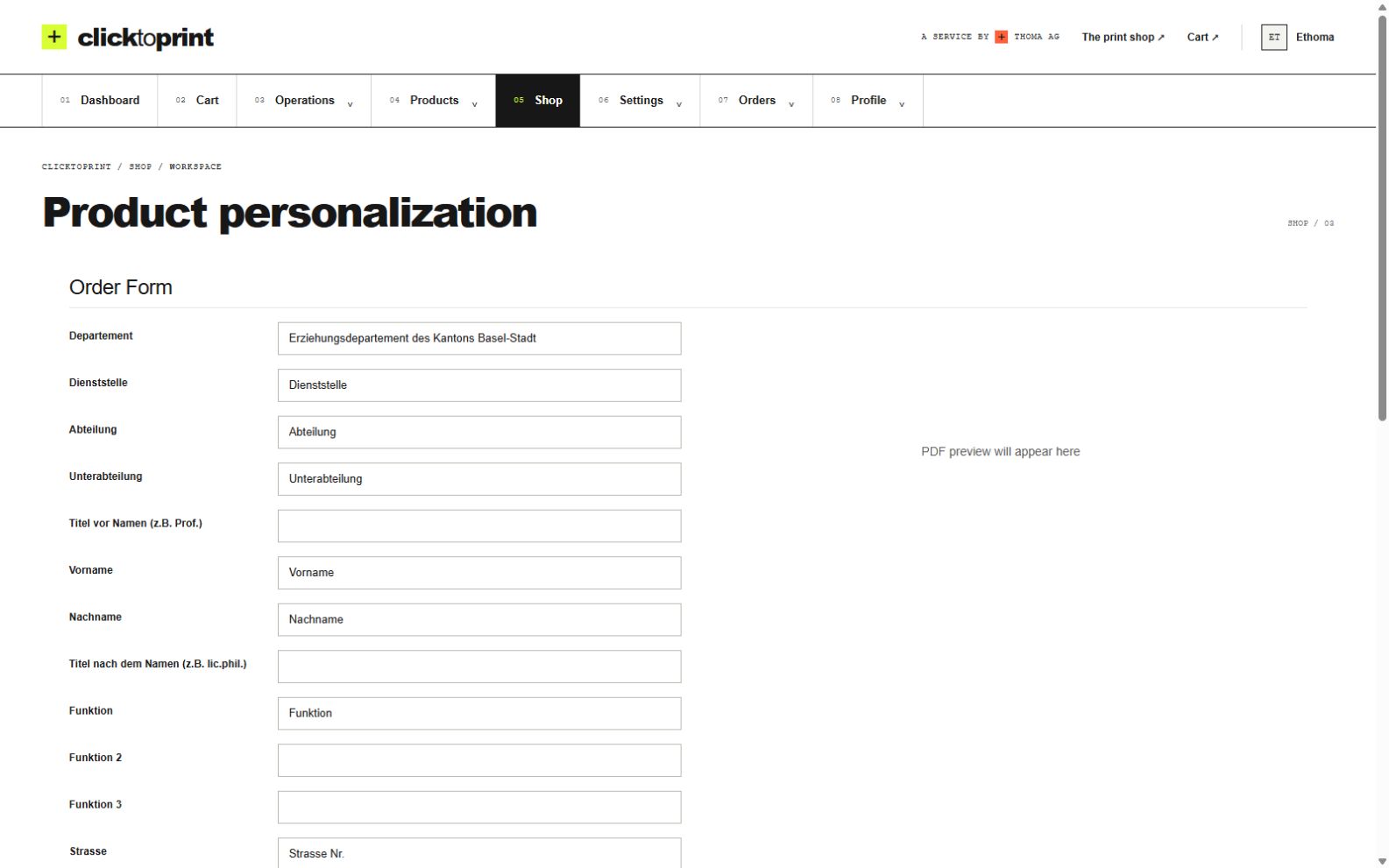
Enter details in the portal or upload an Excel or CSV list for multiple personalised versions.
Lock logos, fonts, layouts and legal text. Let users edit only safe fields such as name, role, phone, branch or location.
Route orders to marketing, office management, procurement or branch managers before production.
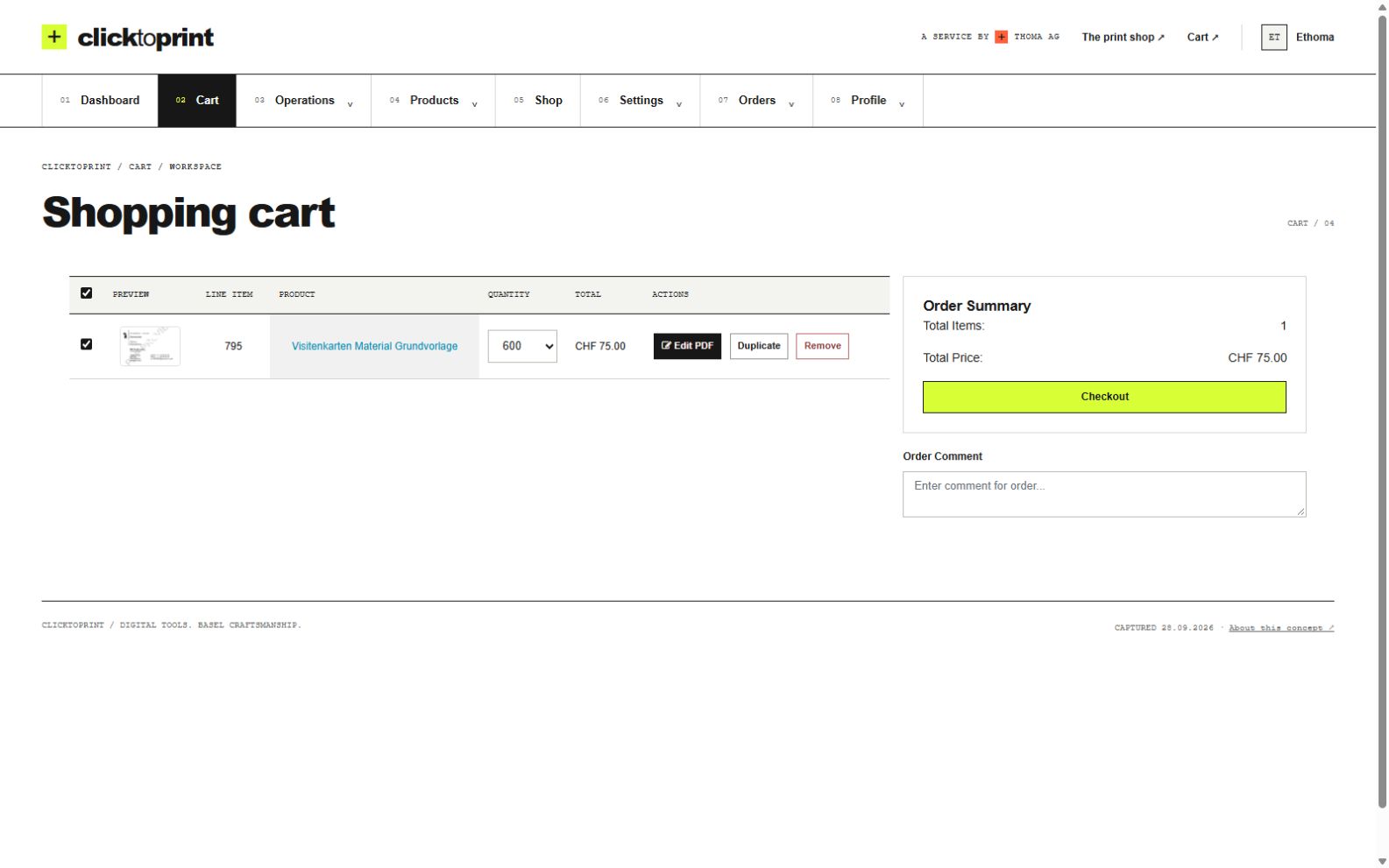
Your approved order goes into production and is delivered to the right address. Saved orders make the next run easier.
One workflow, many applications
Whenever the design stays consistent and the information changes, ClickToPrint brings the two together. Start with the print products your team uses most.
01
Give employees a simple way to order business cards online without sending data, PDFs or corrections back and forth by email.
02
Standardize letterheads, envelopes, compliment slips, labels and other corporate print items in one portal.
03
Prepare print packs for new hires, sales teams or branch openings with repeatable templates and bulk-order support.
04
Centralize print ordering for departments, branches, franchises, medical networks, associations or public institutions.
05
Make old templates disappear, publish new CI-compliant templates and keep every location aligned after a rebrand.
06
Have another document that changes with each person or location? Talk to us about turning it into a repeatable template workflow.
Features
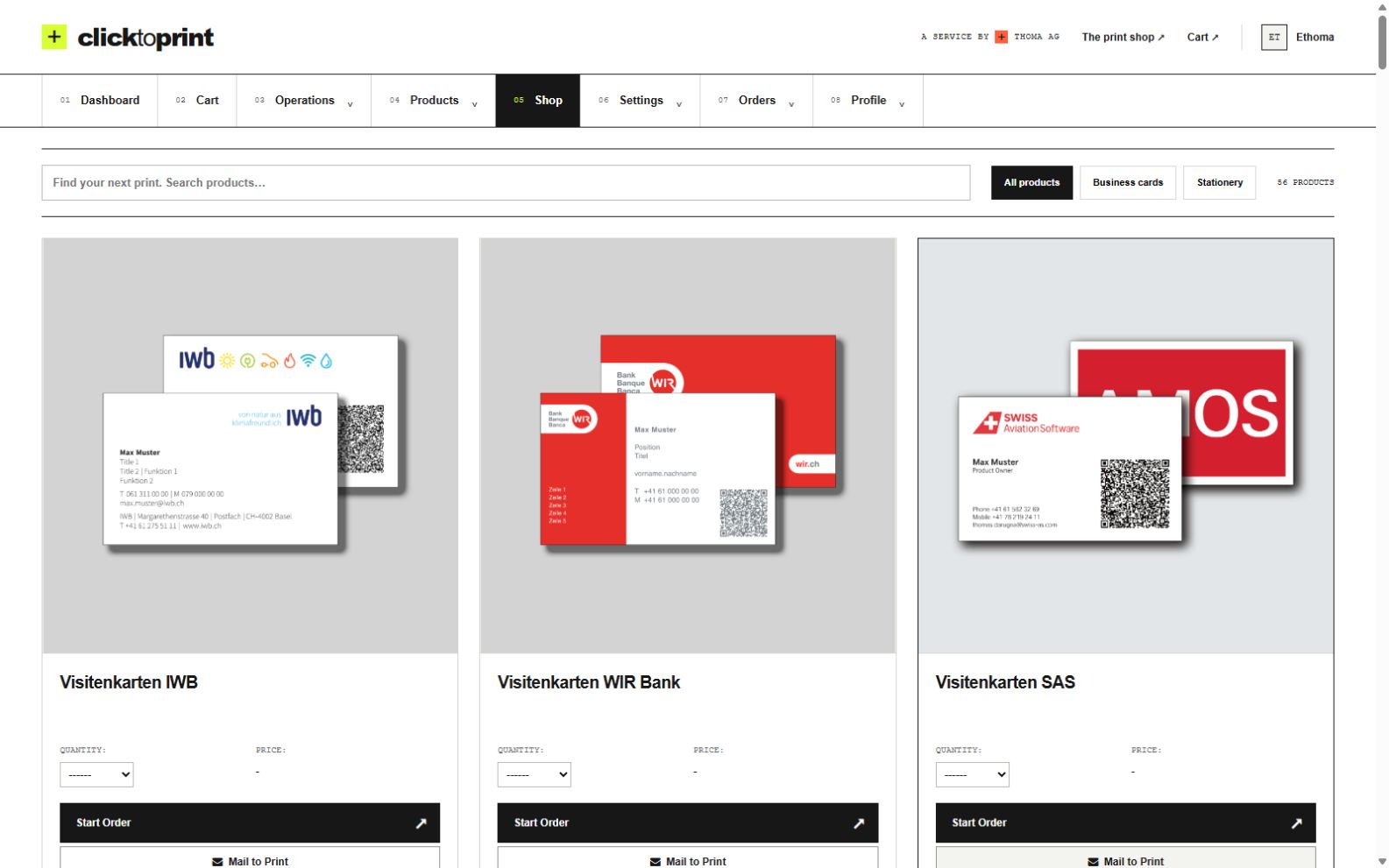
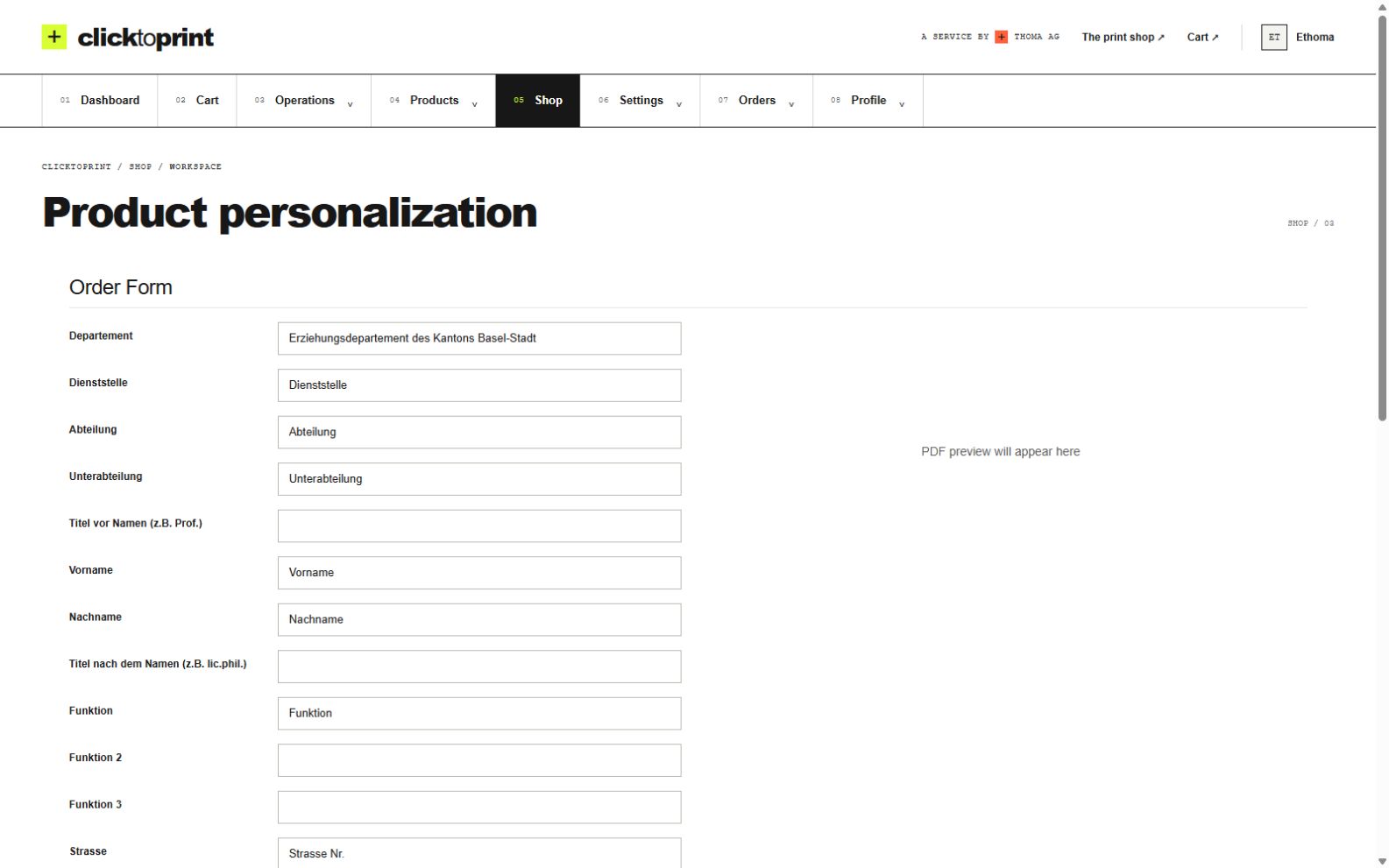
Keep the layout under control while your team updates the information. Preview each version before it goes to print.
Who it is for
For marketing, HR and teams across multiple locations: ClickToPrint makes recurring, personalised print easier to manage, from the first data entry to the finished product.
How it works
Enter your information, check the result and place your order. ClickToPrint brings data, PDF generation and print ordering together in one workflow.
Step 01
Select your approved template and enter the details, or upload a list for a batch of personalised documents.
Step 02
ClickToPrint turns your data into a PDF using your template. Check the preview and send it for approval if your workflow requires it.
Step 03
Once approved, your order moves into production. We deliver the finished print, and your order stays available for reordering.
Our customers
These organisations use ClickToPrint for their branded print workflows.






FAQ
No. Business cards are a common starting point. ClickToPrint combines data with approved templates to generate print-ready PDFs for personalised print. We can discuss stationery, labels, location-specific materials and other documents for your workflow.
Yes. Employees can use a self-service ordering portal, choose an approved template, enter their details and submit the order without creating manual email work for marketing.
Yes. Templates can keep logos, layout, fonts and fixed text locked while users edit only approved fields such as name, role, phone number, email, department or location.
Yes. Approval can be required for selected products or templates. By assigning branch- or department-specific templates and approvers to the relevant users, different teams can follow different approval paths.
Yes. We set up your workflow and take care of print production and delivery. Your team can manage everything through ClickToPrint, from personalisation to the finished order.
Yes. Orders can include department, branch, delivery address and cost-center information so procurement and administration stay transparent.
No. Approval can be required for all orders or only for selected products and templates. Products without an approval requirement can be ordered directly, while controlled products are sent to the user’s assigned approver.
Old templates can be replaced with new CI-compliant templates, so employees and branches order from the correct corporate design without circulating outdated files.
No. Your organisation uses a dedicated portal with approved templates and access for your employees, locations and approvers. We support the setup and fulfil your print orders.
Setup depends on the number of templates, user roles, approval workflows and production rules. A short demo is the fastest way to scope the first version.
Tell us what you want to personalise and how you order print today. We will show you how ClickToPrint can connect your data, your design and your print orders.
Start with one product or one team. We will work out the right setup together.